

Expelled
Expelled
They kicked you out. You're not going away.
Created for the GameDev.tv Halloween Jam 2026 — Theme: Uninvited.
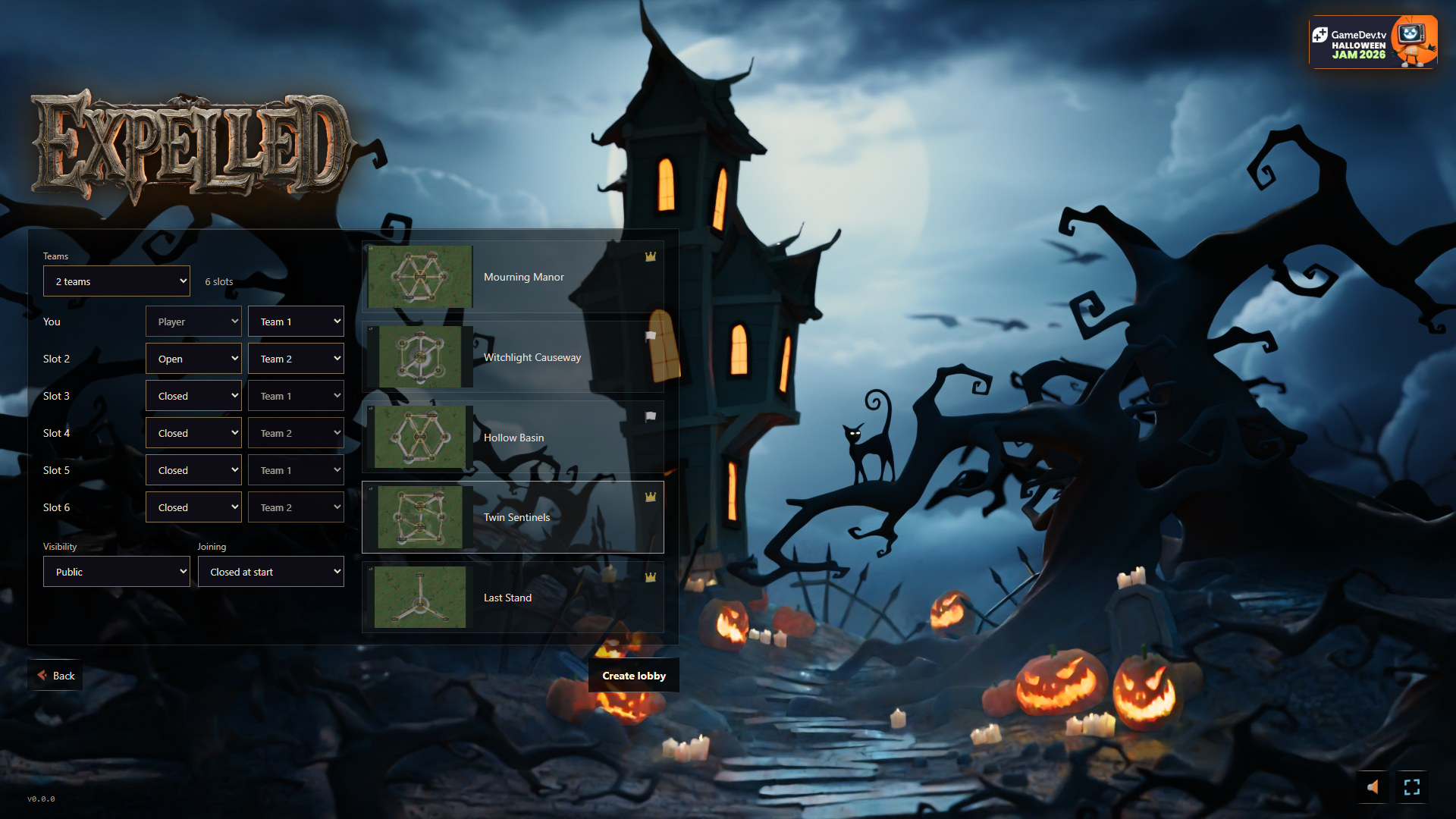
You are the uninvited guest crashing the Hill. Choose your side and starting plot, then trespass into rival territory to seize it plot by plot. Build an army from graves, send waves down the paths, and hold the Hill to win the round—then keep pushing until every rival is expelled.
How it plays
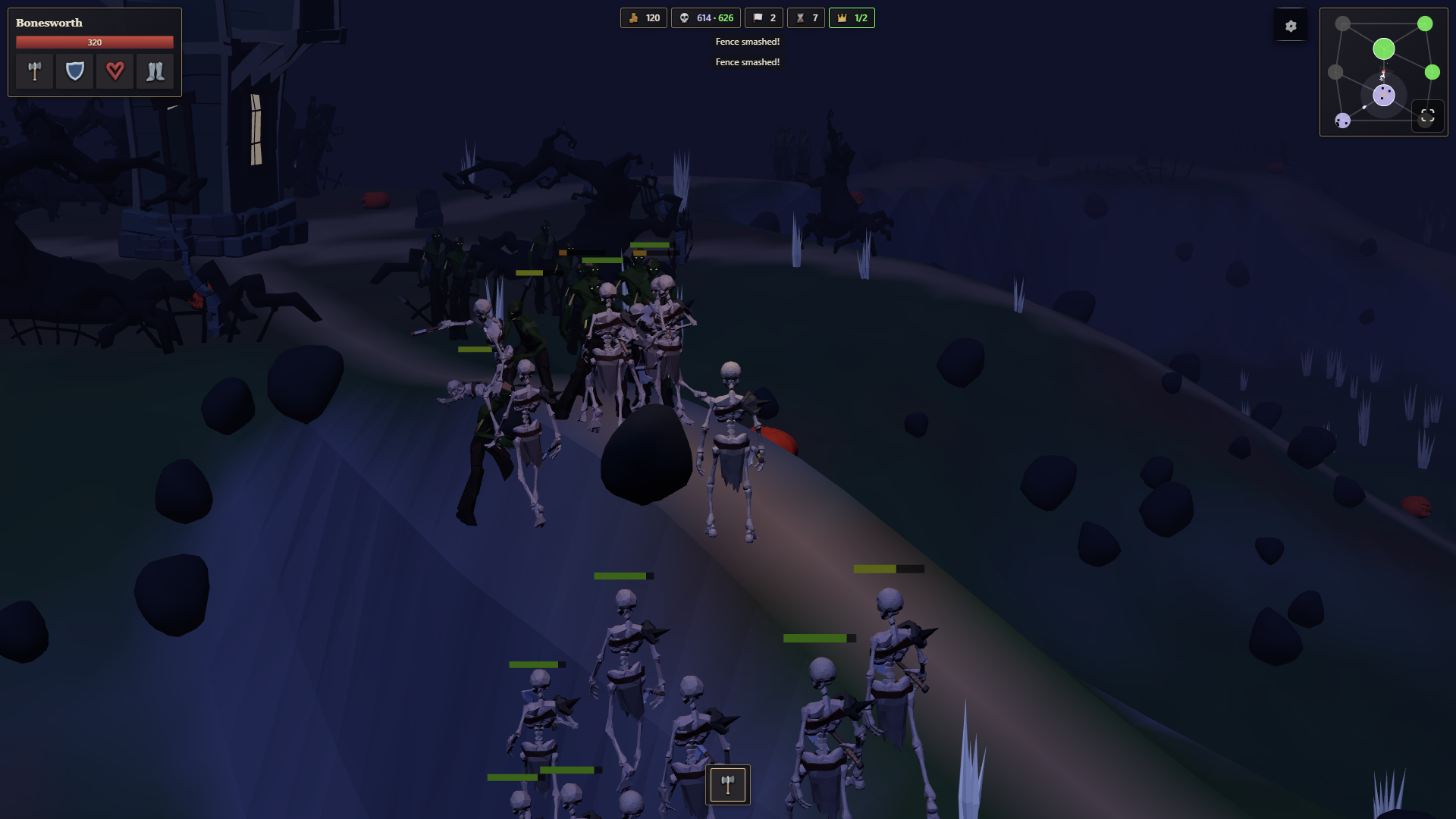
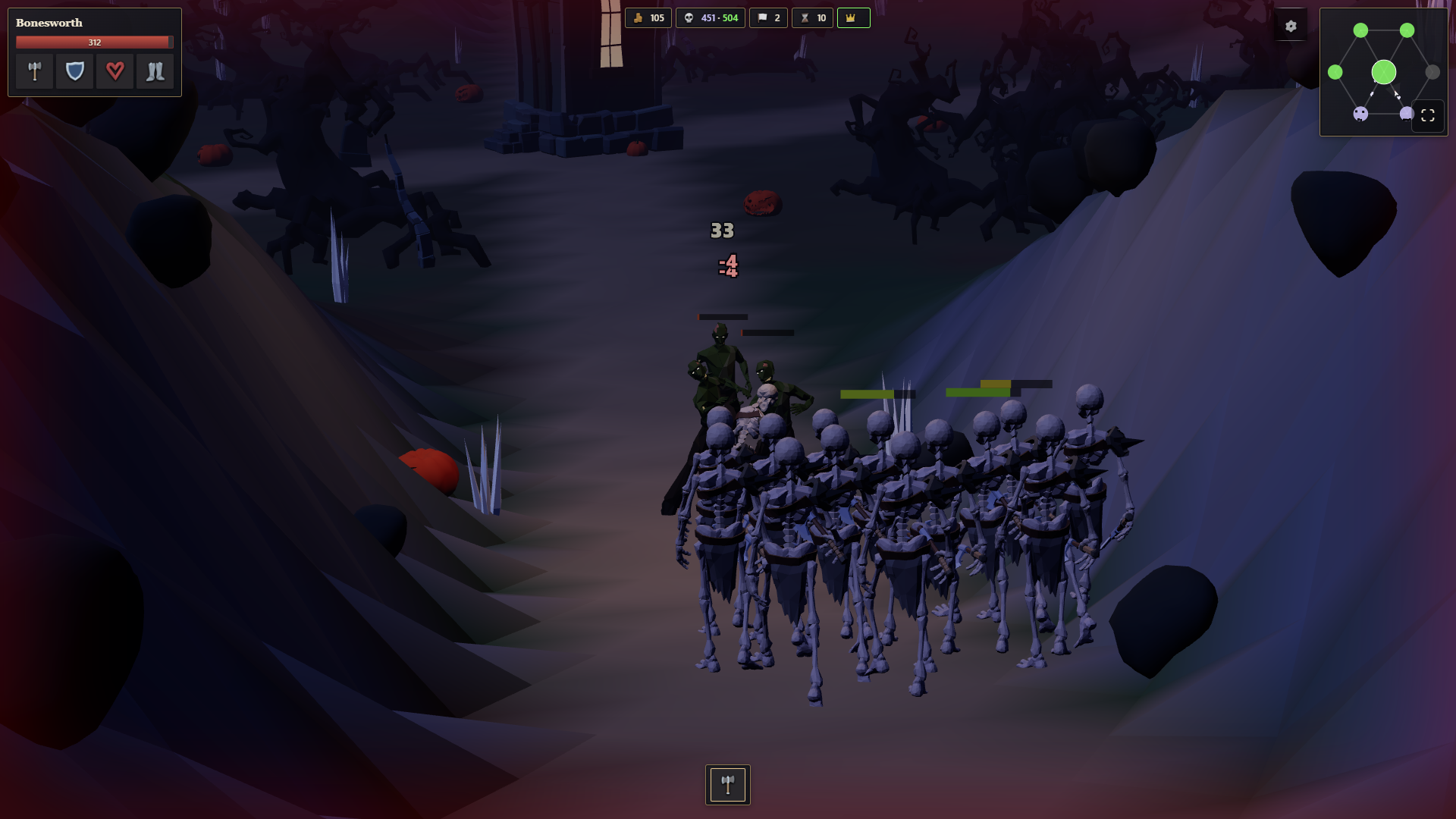
- Graves are your army. Each grave spawns troops that march out in waves on a timer. Whoever holds the Hill splits its waves across the spokes, so there's always a fight somewhere.
- Fight it yourself. Your hero swings in melee: aim with the camera, land clean hits for more damage, and watch for crits. Running is fast, but only walking (Shift) keeps your armor on.
- Tickets are your lifeline. Every unit and every fallen hero costs tickets. Run out, or lose your last plot, grave and gold, and you're expelled.
- Heroes fall; the war goes on. When your hero dies, pick a successor (Sturdy, Quick or Brutal). Your territory stays yours.
- Build and upgrade. Spend gold on graves, on viewpoints (radar on the mini-map) and on faction upgrades: attack, armor, health and speed.
- Win: Hold the Hill for 2 minutes to win the round, then continue for total conquest.
CONTROLS — SORRY!
These made sense in my head! I know the controls are complicated, and I want to rework them, but that's POST-JAM. Here's how everything works right now.
The Basics
TAB is your universal escape hatch. If something isn't working, try TAB. Holding TAB releases the mouse lock so you can interact with UI buttons.
Scroll wheel — Switch between tools and buildings in your hotbar.
Tools
- Attack (detailed axe icon) — Your main weapon. You need this selected to deal meaningful combat damage. Right click from any other hotbar tool/build option to return immediately to attack slot.
- Pickaxe — Mines rocks faster.
- Lumber Axe — Chops trees faster.
- Shovel — Mostly a leftover from the tutorial. I had bigger plans for digging graves, but they were cut for the jam. It's just a weak tool now, although its animation is used for building.
Hero Upgrades
All hero upgrades are lost when you die. You'll respawn with your selected hero's base stats.
- Hold 1 — Upgrade Attack
- Hold 2 — Upgrade Armor
- Hold 3 — Upgrade Life
- Hold 4 — Upgrade Speed
You can also hold TAB and click the corresponding icons below your health bar.
Building
You can only build while standing on a build node. Check your minimap to find them. When you enter a node, the available structures (gravestones, towers, etc.) appear in your hotbar.
To build:
- Select the structure using your scroll wheel.
- Hold Left Mouse Button (Mouse 1) until construction finishes.
- Don't release early or get hit! Either will cancel construction, but you won't lose any gold.
Available structures - map defines how many of each a node can have - typically it is 4 graves, 1 tower per build node:
- Grave — Adds 3 units to your army's spawn waves at that build site.
- Tower — Does absolutely NOTHING at base level! You must upgrade it. Towers are expensive and intended for late-game play.
- Bolt — Defensive tower that attacks enemies. Upgrade its range, damage, and attack speed.
- Coin — Economy upgrades: earn money from nearby kills or increase passive gold income.
- Ward — Buffs units that spawn or are nearby.
Structure Upgrades, Repairs & Selling
When you're close enough to a structure, a circle appears beneath it to show it's active.
Hold TAB and hover over upgrade icons to see their costs and descriptions. If you can't afford an attempted upgrade or construction, the icon displays how much gold you're missing.
- Hold ALT + number — Upgrade the corresponding structure slot. For example, ALT + 1 selects the Bolt upgrade on a tower or Attack upgrade on a grave.
- Hold R — Repair the active structure. Repair costs scale with the amount invested in the structure and its upgrades. Expensive buildings can burn through your gold quickly!
- Hold Middle Mouse Button (or click the gold icon) — Sell the structure. You only recover 25% of its BASE cost. Upgrades are NOT refunded.
Combat & Survival Tips
Getting surrounded is death. Multiple consecutive hits can interrupt your attacks, leaving you unable to fight back.
- Fight alongside your troops, near friendly structures, or against small groups of enemies.
- Running reduces your armor to 0. If you need to move while attacking, hold SHIFT to retain your armor bonus (though this mechanic is limited in the current build).
- The enemy builder can construct buildings on your plots, just as you can build on theirs. Capturing a site doesn't make it permanently safe!
A Note About the AI
The AI is very basic, and there are plenty of ways to cheese it. For the most enjoyable experience in the current version, try straightforward engagements and fighting to capture or defend sites.
There are quite a few things I'd love to improve, especially the controls and interface, but those changes will have to wait until after the jam. Thanks for playing!
Credits
Design & direction: John Pope
AI assistance
AI coding agents were used throughout development. They wrote much of the code, including:
- The animation retargeting (the Synty, Mixamo and Kevin Iglesias clips below, adapted to the characters) and the instanced crowd animation
- The runtime effects using Synty particle textures: grave lightning and dust, and tower firing flashes, bolt trails and impacts
- The map generator: procedural terrain, its painted ground textures and the placement of trees and props
- The UI and in-game text (messages, hero names, menus)
The 3D models, the source animations, the particle textures, the UI icon sprites, the music and the sound effects are by the creators credited below.
3D art
- GameDev.tv Halloween Asset Pack 2026 ("Mourning Manor"): manor scene, Skeleton, Zombie and Cat characters, props
- Synty Studios:
- POLYGON - Knights: Knight heroes and army variants, weapons, shields, equipment and handcart props
- POLYGON - Viking Realm: Viking heroes and army variants, axes, shields, clothing and attachments
- POLYGON - Fantasy Rivals: Brutes and Ancients heroes and army variants, and their weapons
- POLYGON - Pirate Pack: Pirate heroes and crew variants, including skeleton pirates, and their weapons
- POLYGON - Goblin War Camp: Goblin heroes and warband variants, weapons and shields
- POLYGON - Fantasy Characters: Kingdom heroes and army variants
- POLYGON - Horror Carnival: Carnival heroes and troupe variants, weapons, masks and attachments
- ANIMATION - Base Locomotion (walk/run/idle clips, retargeted onto the characters)
- Simple Cats - Cartoon Animals (cat animations, retargeted onto the cat)
- Mixamo (Adobe): attack, hit and death animations
- Human Crafting Animations by Kevin Iglesias: tree-chopping clips for axes and ground-mining clips used for pickaxe digging and construction, retargeted onto all playable hero bodies and faction variants
Visual effects
- Synty Studios, POLYGON - Particle FX: textures for corrupted-grave lightning and dust, and tower bolt trails, firing flashes, impact sparks and rings. Effects adapted for three.js.
UI art
- Synty Studios:
- POLYGON - Icons: HUD icons (gold, tickets, plots, waves, the Hill, graves, upgrades, menu), rendered from the 3D icon models
- INTERFACE - Apocalypse HUD (Source Sprites v3): mini-map markers (player arrow, view cone, home)
Music
- 1000 Handz: CCBY: FREE TO USE - Halloween/Spooky Instrumentals. Licensed under CC BY 4.0
Sound effects
- Cyberwave Orchestra: Fantasy Spawn sound pack (jam sponsor asset)
- David Dumais Audio: Melee Weapons Sound Effects Pack 1, used for melee weapon swings and metal impacts, plus adapted pickaxe digging and construction sounds
Built with
Game (browser)
- three.js: 3D rendering
- three-mesh-bvh: fast collisions and ground checks
- meshoptimizer: mesh compression and lighter detail levels for crowds
App and server (Rust)
- Dioxus: app shell for web, desktop and Android, and the fullstack server
- Axum (via Dioxus fullstack): game server and API
- sqlx with SQLite: leaderboard and saves
- serde: data formats; tungstenite: multiplayer WebSockets
Tools
- Blender: animation retargeting and asset export
- gltfpack (meshoptimizer), Vite, esbuild, Tailwind CSS
Development log
- GDTV Halloween 2026 - Game Jam Launch7 days ago
Leave a comment
Log in with itch.io to leave a comment.